

Slate
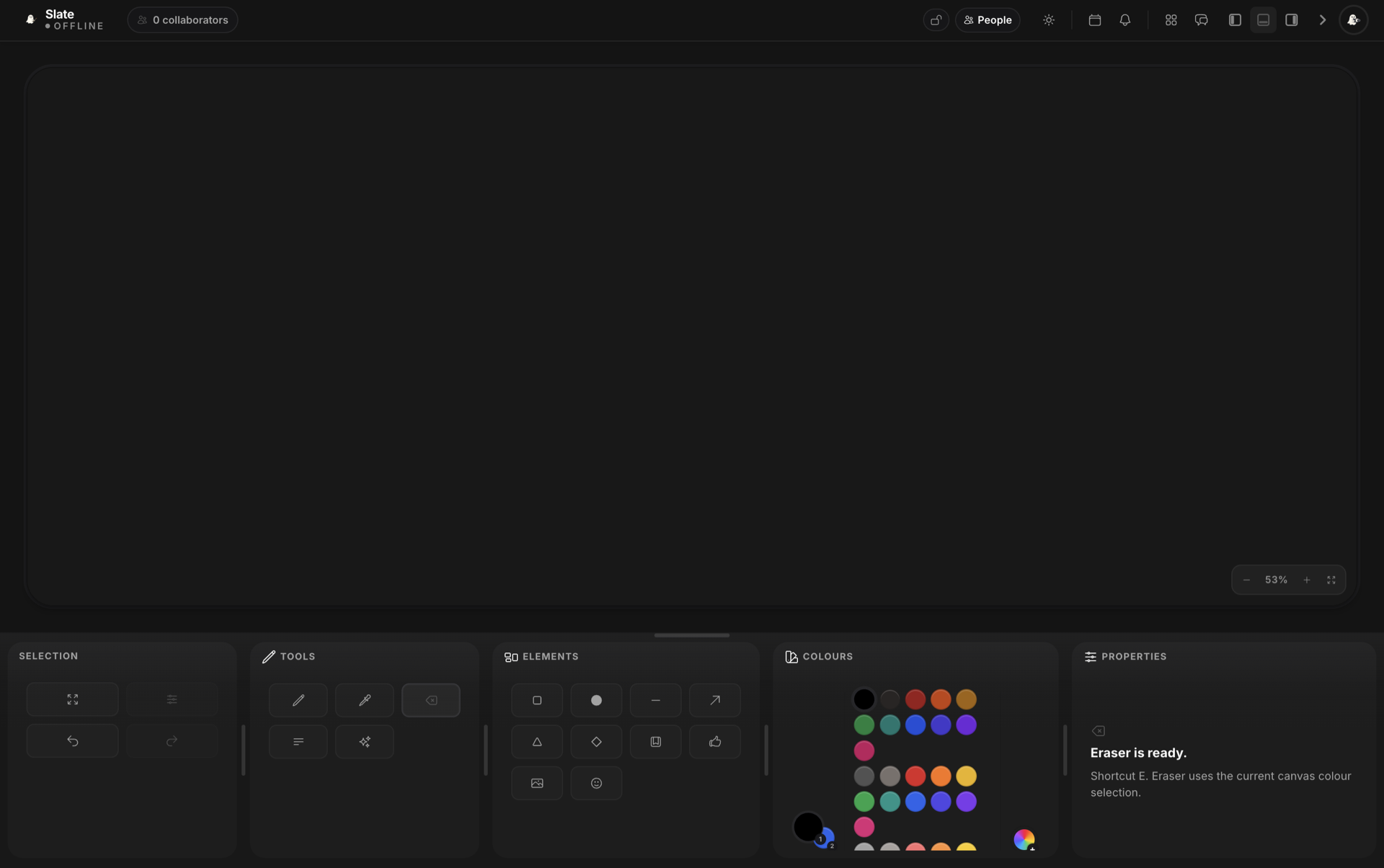
Slate is the Soulstack collaborative drawing canvas. Your whole community draws together in real time, with live cursors, brush and shape tools, text, and a transparent overlay for your stream.
Core Features
Real-Time Collaboration
Everyone draws on the same canvas at the same time. See each participant's cursor move as strokes appear instantly for everyone in the session.
Drawing Tools
A complete toolkit: select, brush, eraser, shapes (rectangle, circle, line, arrow, triangle, diamond), text, sticky notes, a laser pointer, and an eyedropper.
Colour Palette
Pick from a curated palette or open the colour picker for custom shades. Stroke and fill colours can be set independently when you draw shapes.
Undo and Redo
Step back and forward through your changes with full undo and redo support. Keyboard shortcuts (Ctrl+Z, Ctrl+Y) keep the flow fast.
Built-in Chat
Talk to other artists through the integrated chat panel. See who is online, coordinate the piece, and react as the canvas fills up.
Zoom Controls
Zoom with the mouse wheel, keyboard shortcuts, or button controls. Fit-to-screen and actual-size options let you switch between detail work and the full picture.
Canvas Controls
Save Canvas
Save the current canvas with a name and optional description. Choose to lock the live canvas after saving so the finished piece stays untouched.
Saved Canvases
Open any saved canvas from your gallery to view it, restore it onto the live board, or keep working on it with your community.
Public Links
Generate a shareable link so anyone can join your canvas and collaborate. Guests do not need to sign in to start drawing.
Clear Canvas
Wipe the canvas in one click. The clear is synchronised to every connected participant so everyone starts from a fresh surface.
Export to PNG
Export the finished artwork as a high-quality PNG. Transparent backgrounds are preserved so you can drop the result straight into your stream overlay.
Optimise Canvas
Snapshot the current state to keep performance smooth during long sessions. Older edits collapse into the snapshot while the latest artwork stays exactly as drawn.