

Live Chat
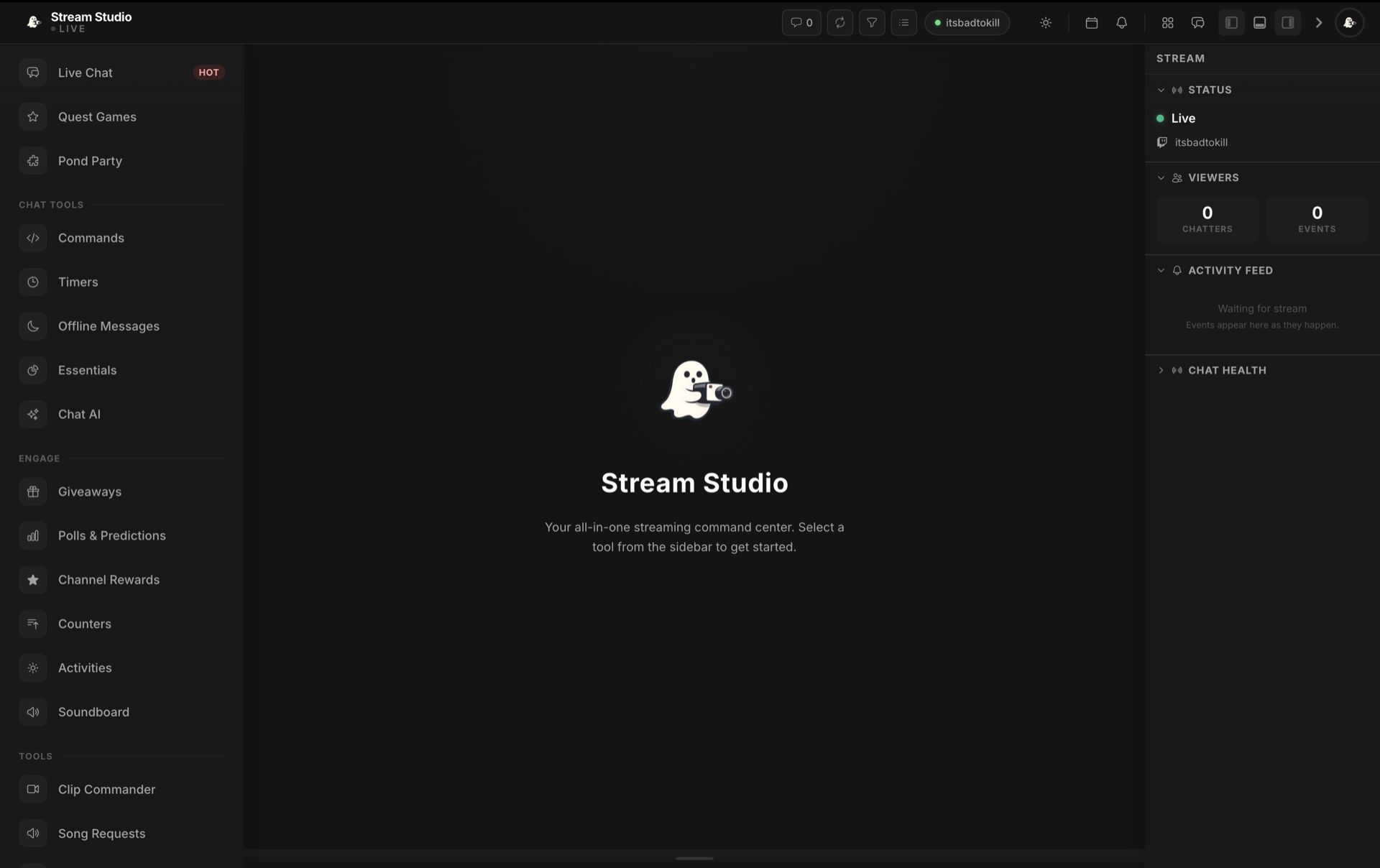
Live Chat is the chat workspace inside Stream Studio. View your Twitch chat in real time, send messages, react to channel events, and reach moderation controls without leaving the studio.
Overview
Real-Time Chat
View Twitch chat as it happens with emotes, badges, and viewer colours rendered the way your community sees them.
Channel Events
See channel point redemptions, polls, and predictions surface alongside your chat feed.
Quick Actions
Send messages, clear chat, and reach common moderation tools directly from the Live Chat panel.
Focus Mode
Expand Live Chat to fill the workspace for easier reading on a secondary monitor while you stream.
Getting Started
Open Stream Studio
Connect Twitch
Set Your Layout
Start Streaming
Panel Features
Message Count
See how many messages are currently loaded in the Live Chat view.
Event Status
A status indicator confirms when channel events are connected. Re link Twitch if any scopes are missing.
Chat Input
Send messages straight from Stream Studio with full emote and mention support.
Connection Status
A live indicator shows when Live Chat is receiving messages and when it has dropped offline.